Category: How To
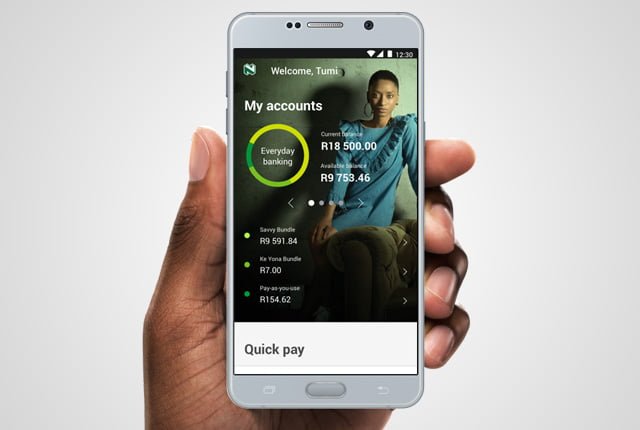
The Nedbank Money app is an easy-to-use, on-the-go banking app that enables you to do all your banking on your smartphone or tablet. What can you do on the …
Never get caught in the dark again as you can buy prepaid electricity using the Nedbank USSD. It is easy and convenient. Get started with Nedbank step-by-step guide to …
Have you ever been caught in the dark because you didn’t have time to top up on electricity at your local store? You can buy prepaid electricity using the …
Once you’ve signed up for e-Services, you’re good to go. Enter your username and password to access the online services you’ve already registered for. REMEMBER THIS: Please utilize a …
CAPE TOWN (South Africa) Ombudsman Office of the City of Cape Town has launched an SMS service to make it easier for residents to get help and to keep …
The National Student Financial Aid Scheme (NSFAS) is a government loan and bursary fund for students who receive NSFAS support. Late in the year, students can apply and register …
Now that your property transfer has been registered, you’ll need to figure out how to change your municipal account. If you know what to expect and how to proceed, …
If you currently make payments to your Municipal account using the Internet, telephone, or ATM, you will need to RE-REGISTER your payment information with your bank in order to …
Residents can pay their municipal accounts at the following external paypoints, in addition to municipal offices and internet banking: the Post Office, Ackermans, Shoprite/Checkers/Usave, Spar, Pick n Pay, Pep …
Have you ever imagined having the world of banking at your fingertips and only paying for transactions you make. Open a Standard Bank MyMo Account today and enjoy affordable …